
本文目录
写在篇首
刘为是我老婆的亲姐姐,她不幸患上多发性骨髓瘤,正在接受化疗。我们在水滴筹平台 发起了募捐,希望各位PowerShell好友们能够帮忙和转发,捐赠时,请备注PowerShell社区。谢谢你们。
提前祝大家在新的一年,身体健康,阖家欢乐,狗年大吉。
2018-2-27更新:捐款通道已关闭,感谢大家支持。
PowerShell 爬取捐赠数据
包括捐赠者的Id,昵称,捐赠金额,头像,不多说,直接看脚本:
$ua = 'Mozilla/5.0 (Linux; Android 5.0; SM-G900P Build/LRX21T) AppleWebKit/537.36 (KHTML, like Gecko) Chrome/63.0.3239.132 Mobile Safari/537.36'
$anchorId=0
$hasNext = $false
$outputData = New-Object System.Collections.ArrayList
$pageNum=1
do {
$url = "https://api.shuidichou.com/api/cf/v5/detail/get?size=20&infoUuid=a33358c8-a5f3-41f8-9a47-9671011794b0&anchorId={0}&pageNum={1}&selfTag=CmcZyhNsFFjTB4bAkBi1518178270810°ree=2008" -f $anchorId,$pageNum
$res=Invoke-RestMethod $url -UserAgent $ua
$res.data.list | foreach {
$item = [pscustomobject]@{
userId = $_.userId
nickname=$_.nickname
amt = $_.amt
headImgUrl=$_.headImgUrl
}
$outputData.Add($item)
}
$hasNext = $res.data.hasNext
$anchorId = $res.data.anchorId
$pageNum++
}while($hasNext)
$outputData | ConvertTo-Csv -NoTypeInformation | Out-File "d:\thanks.csv"
将生成的csv文件在Excel表格中打开,格式如下:
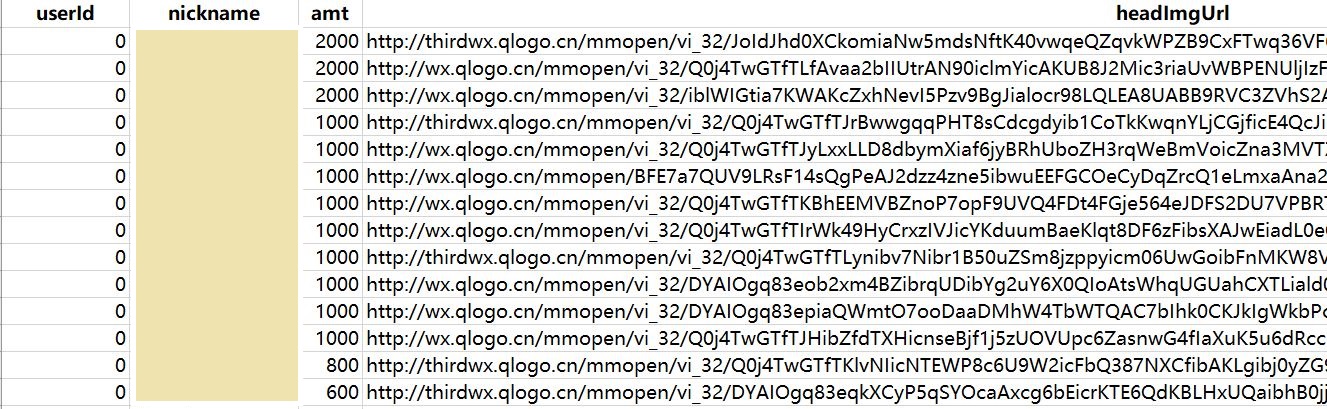
捐赠者名单示例
下载捐赠者头像图片
$num = 1
$data = Import-Csv d:\thanks.csv | foreach {
$file = Join-Path "D:\thanks-image" ($num.ToString().PadLeft(4,'0')+".jpg")
Invoke-WebRequest -Uri $_.headImgUrl -OutFile $file
$num++
}
执行完毕后,输出如下:
PS D:\thanks-image> ls | select -First 5


    Directory: D:\thanks-image


Mode                LastWriteTime         Length Name
----                -------------         ------ ----
-a----         2/9/2018   9:21 PM           5169 0001.jpg
-a----         2/9/2018   9:21 PM           1922 0002.jpg
-a----         2/9/2018   9:21 PM           8409 0003.jpg
-a----         2/9/2018   9:21 PM           2487 0004.jpg
-a----         2/9/2018   9:21 PM           3807 0005.jpg
将捐赠者头像生成照片墙
我想把所有捐赠者的头像拼接起来,生成一个头像照片墙,分享在朋友圈表示对大家的感谢。首先想到了HTML,那就把照片文件转换成img标签,塞进HTML文件,HTML文件和图片放在同一个文件夹:
$txt = New-Object System.Text.StringBuilder 80000
ls D:\thanks-image | foreach {
$img = "<img src='{0}'/>" -f $_.Name
$txt.Append($img) | Out-Null
}
$txt.ToString()

$html=@"
<html class="no-js" lang="zh-CN">
<head>
<style>
img {
width:50px;
height:50px;
}
</style>
</head>
<body>{img}
</body>
</html>
"@
$html = $html -replace "{img}" , $txt.ToString()
$html | Out-File "D:\thanks-image\index.html"
最后的效果是这样:
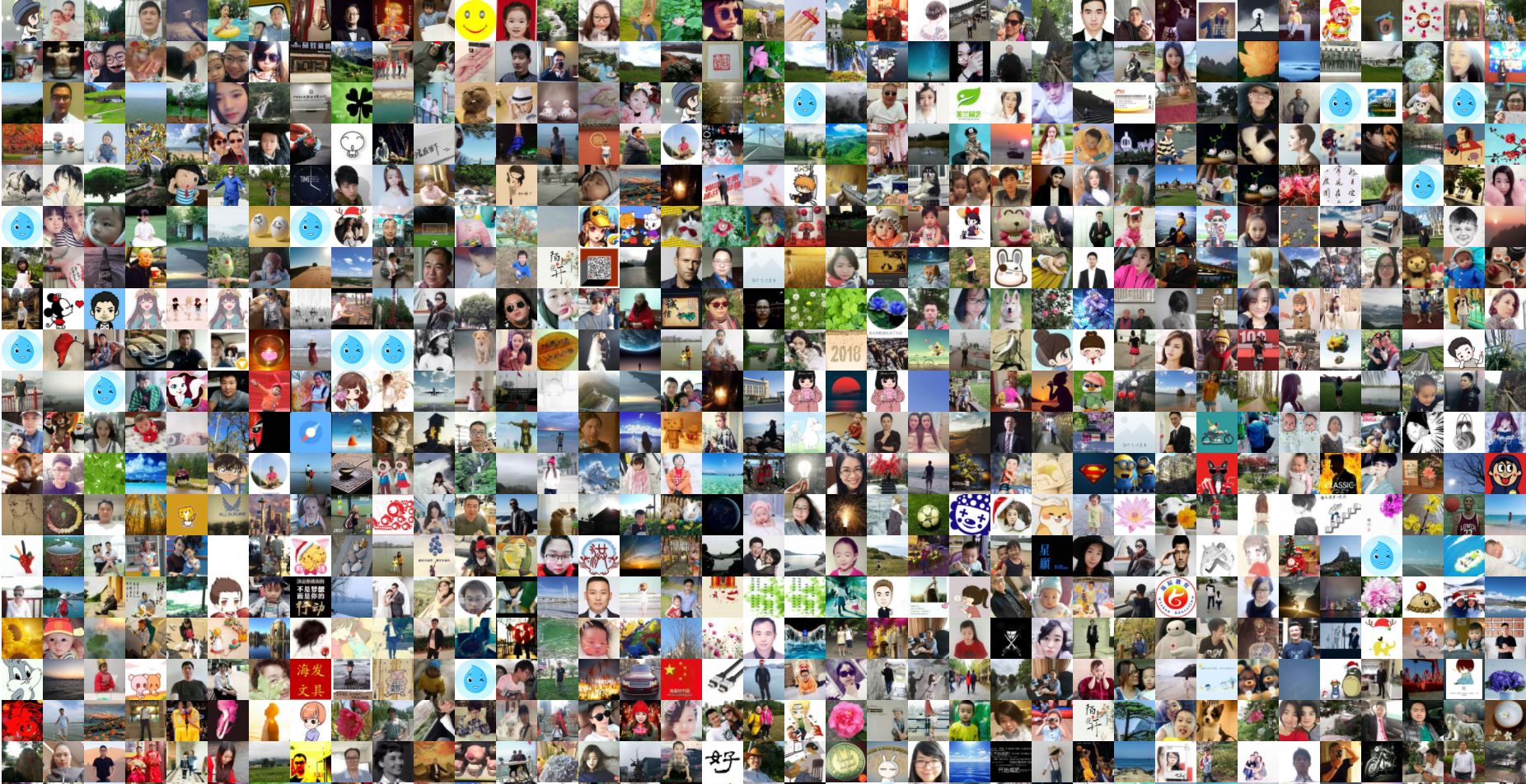
捐赠者头像集,谢谢你们
本文链接: https://www.pstips.net/shuidichou-info.html
请尊重原作者和编辑的辛勤劳动,欢迎转载,并注明出处!
请尊重原作者和编辑的辛勤劳动,欢迎转载,并注明出处!
选择完付款方式后就直接白了,什么都没有,我用edge,qq浏览器,chrome都试了,还是不行~!
我也如此
Mooser Lee, thank you ever so for you post.Much thanks again.
thank you
谢谢分享
hi mooser lee 能否请教些关于AD的问题,ayenana@163.com我邮箱,可以的话希望能您学习学习
求助,这个地址是什么获取的?
不错!
请问怎么找到API的网址,也想导出捐助者的ID,希望能谢谢他们。
谢谢你~